Getting Help
If you run into any issues or have questions about using Polyguard, there are several ways to get support.
In-App Chat
Every Polyguard interface includes a chat widget in the lower-right corner of the screen. You can use it to ask questions, report problems, or share feedback. The chat can answer common questions instantly and connect you with a support agent if needed.
You will find the chat widget in:
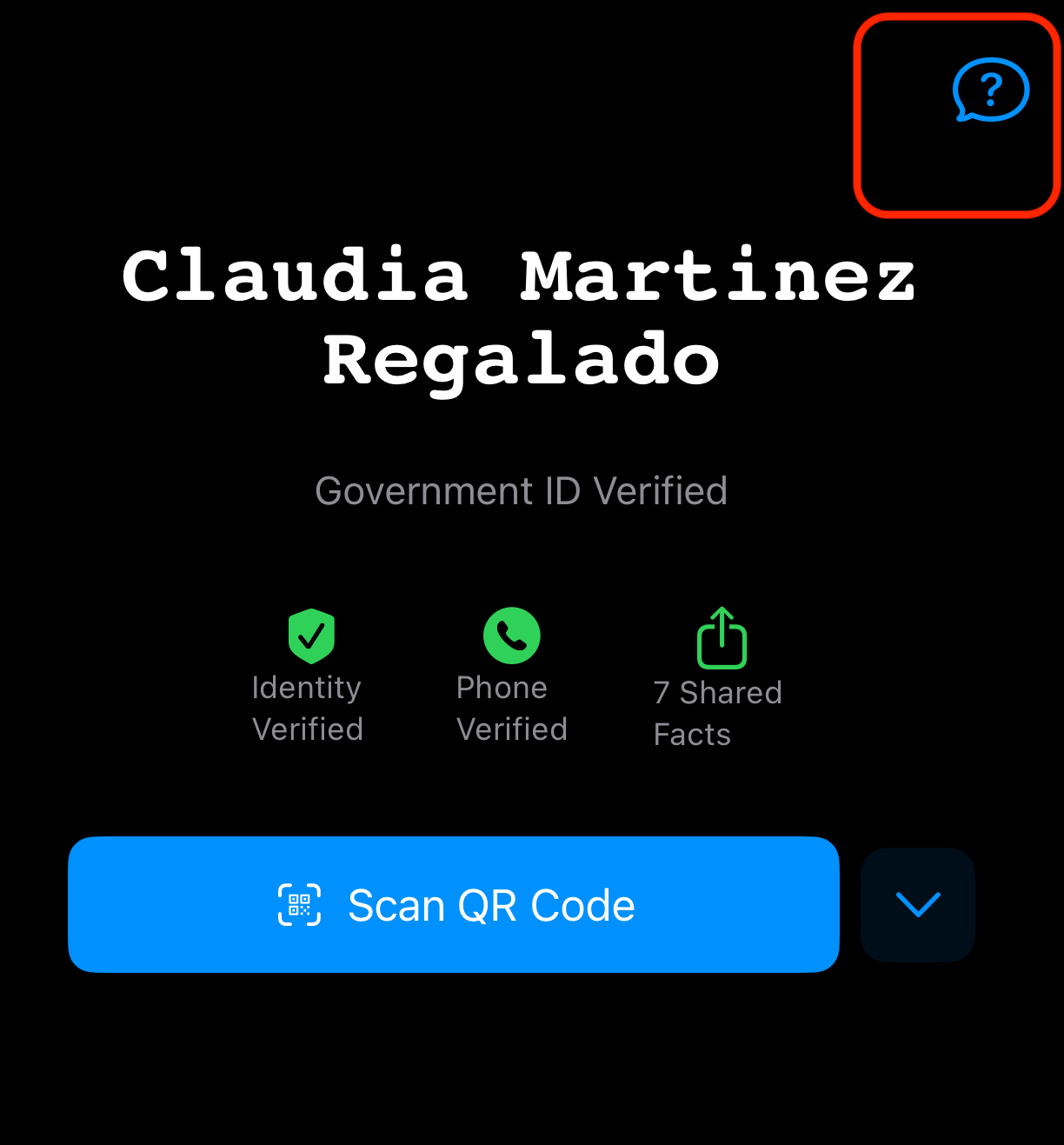
- Polyguard Mobile — Tap the question mark icon in the top-right corner of the app to open the chat window.
- Outlook — In the Polyguard side pane, lower-right corner.
- Teams — In the Polyguard tab, lower-right corner.
- Zoom — In the Polyguard panel, lower-right corner.
- Polyguard Console — At console.polyguard.ai, lower-right corner.
Email Support
Send an email to [email protected]. We aim to respond to all emails within one business day.
Contact Your Administrator
For questions about your organization's Polyguard settings, required identity proofs, or account access, reach out to your Polyguard administrator or IT team. They can adjust settings, resend invite links, and help with organization-specific policies.